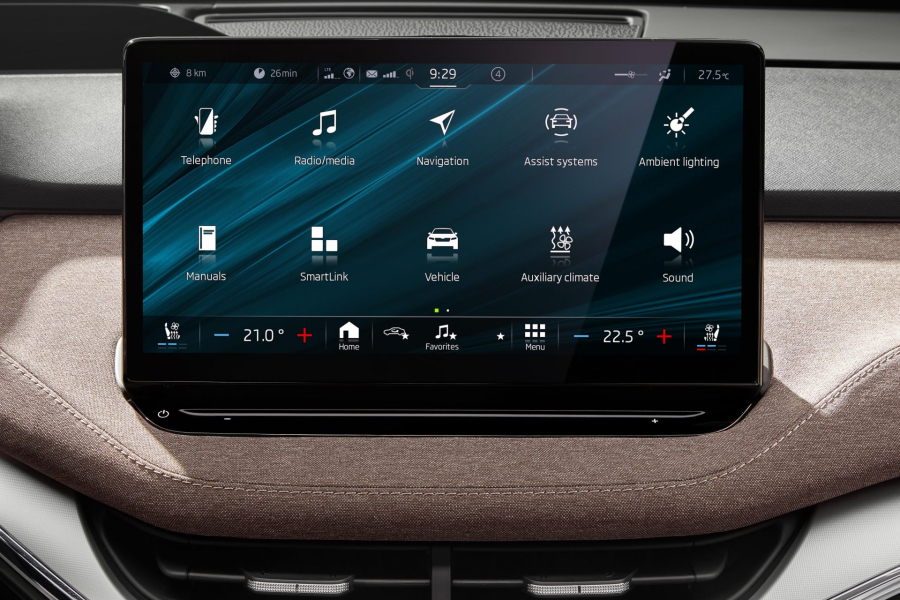
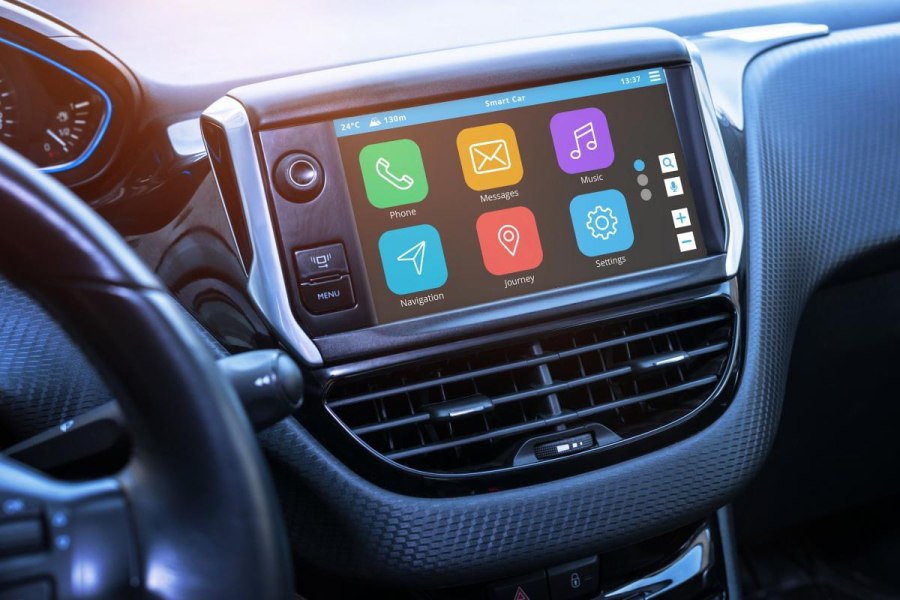
Modern In-Vehicle Infotainment (IVI) systems are no longer just radios with a digital clock; they are the central command center of the modern connected car. From managing complex navigation routes and over-the-air (OTA) updates to handling smartphone projection like Apple CarPlay and Android Auto, an IVI system acts as a mini-computer on wheels.
For validation engineers and automotive software developers, Infotainment testing / validation is highly complex. It sits right at the intersection of embedded hardware, mobile application design, and real-time network communication (like CAN and Automotive Ethernet).
This comprehensive validation checklist guide covers the critical test phases required to deliver a flawless, distraction-free cockpit experience.
Functional Validation Checklist
Functional testing ensures every core feature of the head unit behaves exactly as defined in the system requirements documents.
- Media & Audio Playback: Validate audio sources (AM/FM, SiriusXM, Bluetooth streaming, USB, native apps like Spotify). Check that audio plays, pauses, skips, and tracks properly. Ensure audio resumes smoothly after an ignition restart.
- Smartphone Projection: Verify connectivity, audio routing, voice assistant triggers, and layout responsiveness for both Apple CarPlay and Android Auto (via both wired USB and wireless Wi-Fi connections).
- Navigation & Location Services: Test address input accuracy, turn-by-turn audio clarity, real-time rerouting logic when a turn is missed, and precise map rendering under extreme zoom.
- Handoff & Interrupt Handling: This is where many defects hide. Test how the system manages concurrent events.
Critical Test Scenario: If a driver is receiving turn-by-turn navigation guidance while streaming music and a phone call comes in, does the music mute cleanly, the phone call prioritize, and the map display remain active?
Vehicle Integration & Network Testing
An infotainment system cannot be evaluated in isolation. It relies on seamless data sharing with other Electronic Control Units (ECUs) across the vehicle's internal networks.
- Bus Protocol Validation: Monitor data packets across CAN (Controller Area Network), CAN FD, and Automotive Ethernet pipelines to ensure the head unit processes vehicle signals flawlessly.
- Cluster & HUD Synchronization: Ensure that speedometers, media track names, or next-turn navigation symbols mirror onto the Digital Instrument Cluster and Head-Up Display (HUD) in under 100 milliseconds.
- ADAS & Sensor Feeds: Validate real-time video feeds from backup cameras, 360-degree bird's-eye views, and proximity sensor alerts. The visual overlay must match the real-world proximity metrics precisely.
- Power Mode Transitions: Test how the IVI transitions between deep sleep, accessory mode, cranking (crank-voltage drops), and full wake-up cycles to prevent battery drain.
Performance, Load, and Stability Validation
A laggy screen or system crash while driving is a severe safety hazard. Performance validation sets strict benchmarks for responsiveness.
| Metric | Target Baseline Performance |
|---|---|
| Cold Boot Time | Less than 8–10 seconds (from ignition to interactive home screen) |
| Rear-view Camera Feed | Less than 2.0 seconds (Safety standard regulatory requirement) |
| Touch Response Latency | Less than 50–100 milliseconds |
| Navigation Recalculation | Less than 1.5 seconds after a missed turn |
- Soak & Endurance Testing: Run the system continuously for 48 to 72 hours under active load (navigation running, music loop, Bluetooth scanning) to scan for memory leaks, thermal throttling, or unexpected kernel panics.
- Stress Testing: Max out the processor by launching multiple heavy applications simultaneously while hammering the UI with rapid touchscreen inputs.
Usability and Driver Distraction (HMI) Testing
Human-Machine Interface (HMI) testing checks whether the interface layout reduces cognitive load or dangerously distracts the driver.
- Menu Depth & Accessibility: Ensure standard tasks (adjusting climate control or changing an audio source) require no more than 2 to 3 touch steps.
- Voice Recognition (Natural Language Processing): Test voice commands across different accents, languages, and cabin noise profiles (e.g., driving at 70 mph with windows down).
- Physical Key Mapping: Confirm physical buttons, steering wheel controls, and rotary knobs map perfectly to the software commands.
- Screen Legibility: Test interface readability across bright direct sunlight (anti-glare validation) and night-mode dimming levels.
Security & Connectivity Validation
Connected vehicles are prime targets for cyber threats. Security testing gates all incoming wireless entry points.
- Over-The-Air (OTA) Updates: Ensure firmware packages are digitally signed and encrypted. Validate error recovery: if a download fails midway or the battery dies during an update, the system must gracefully roll back to the last stable software build instead of bricking.
- Cybersecurity Compliance: Perform penetration testing on Wi-Fi hotspots, Bluetooth pairs, and Telematics Control Units (TCUs) to safeguard user Personally Identifiable Information (PII) and vehicle control systems from unauthorized access.
Moving Forward: The Shift Toward Test Automation
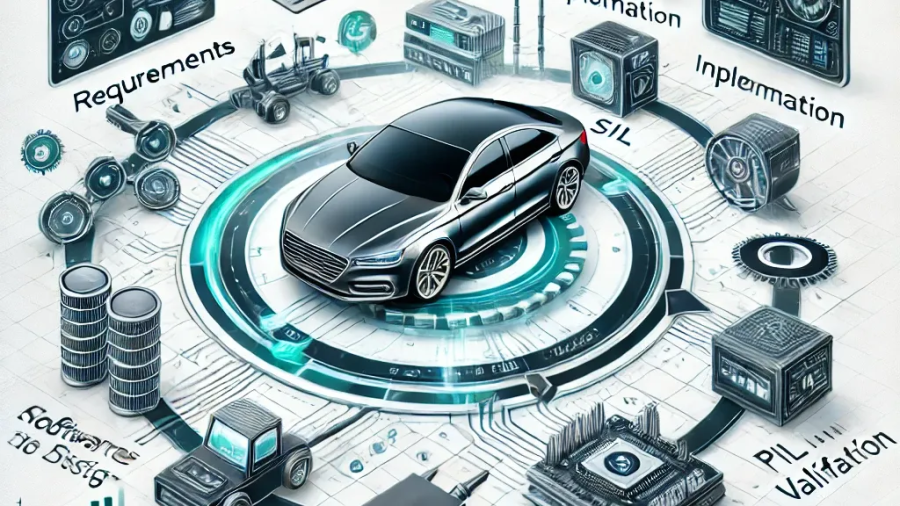
Executing this entire checklist manually across every minor software build is impossible. Modern validation teams utilize a "Shift-Left" methodology—introducing hardware-in-the-loop (HIL) test benches and low-code automated testing frameworks early in the development lifecycle. This lets you run regression smoke suites automatically on virtual simulation rigs long before the software ever enters a physical test vehicle.